
Model: T422-USCB
Dual Monitor KVM Switch & Docking Station for 2 USB-C Laptops
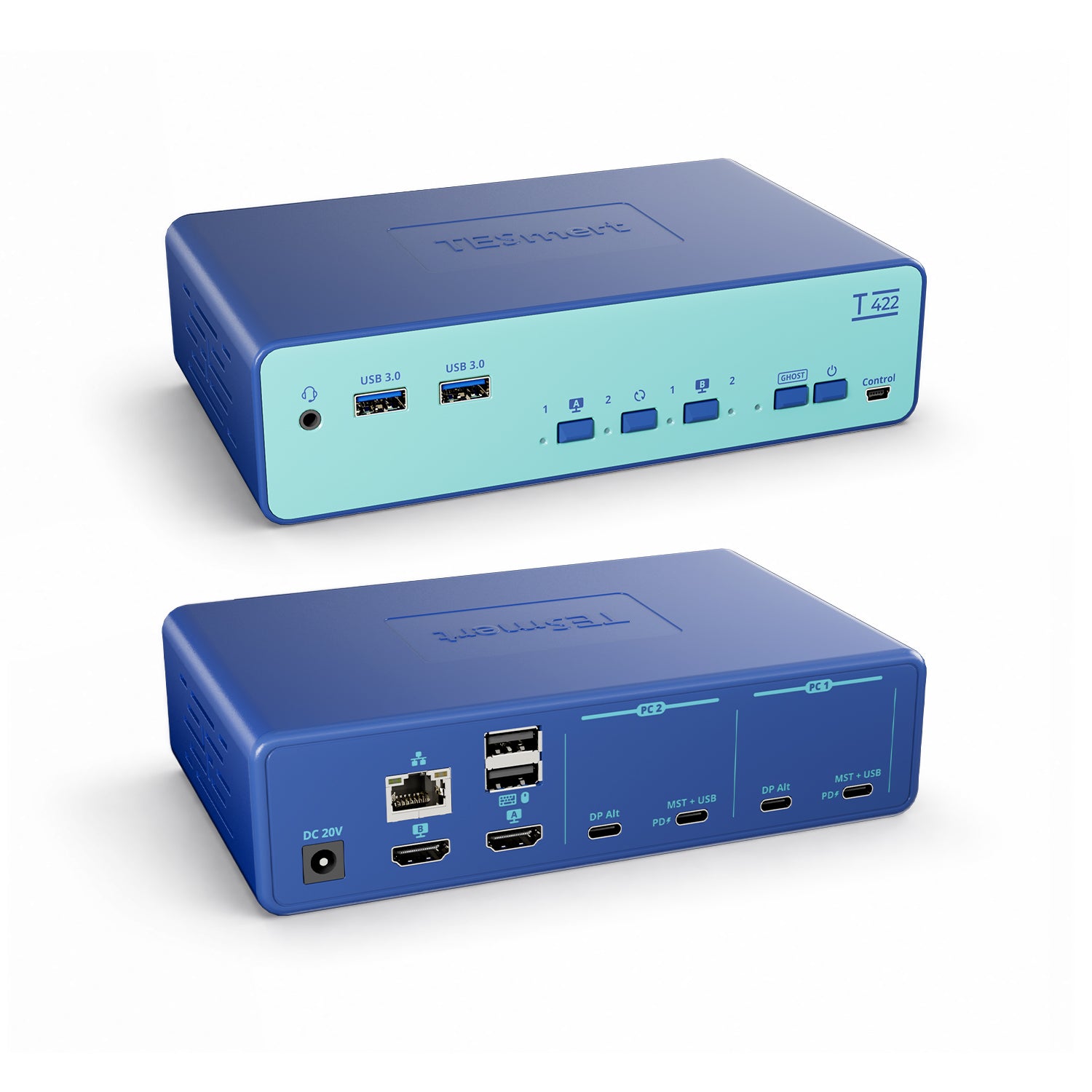
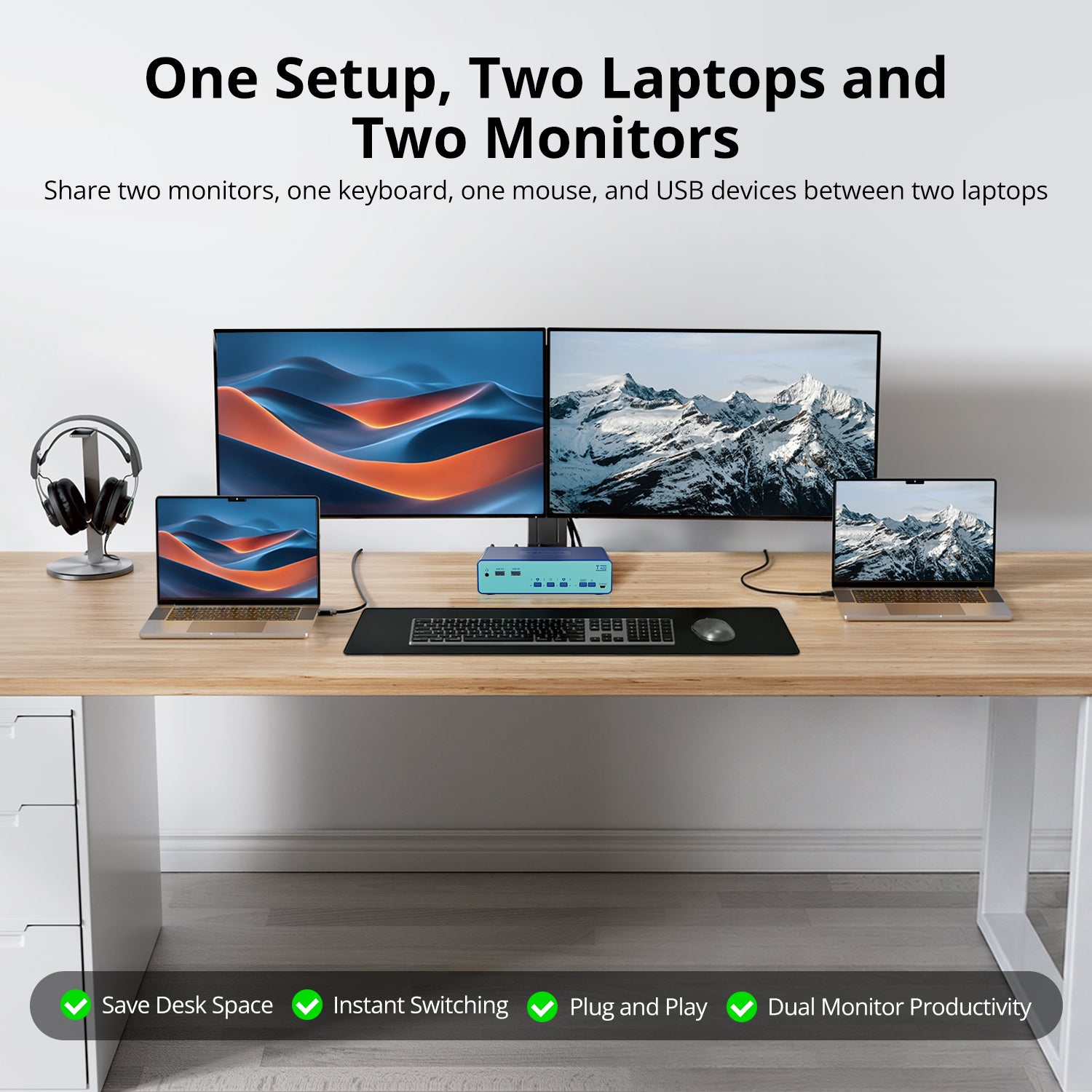
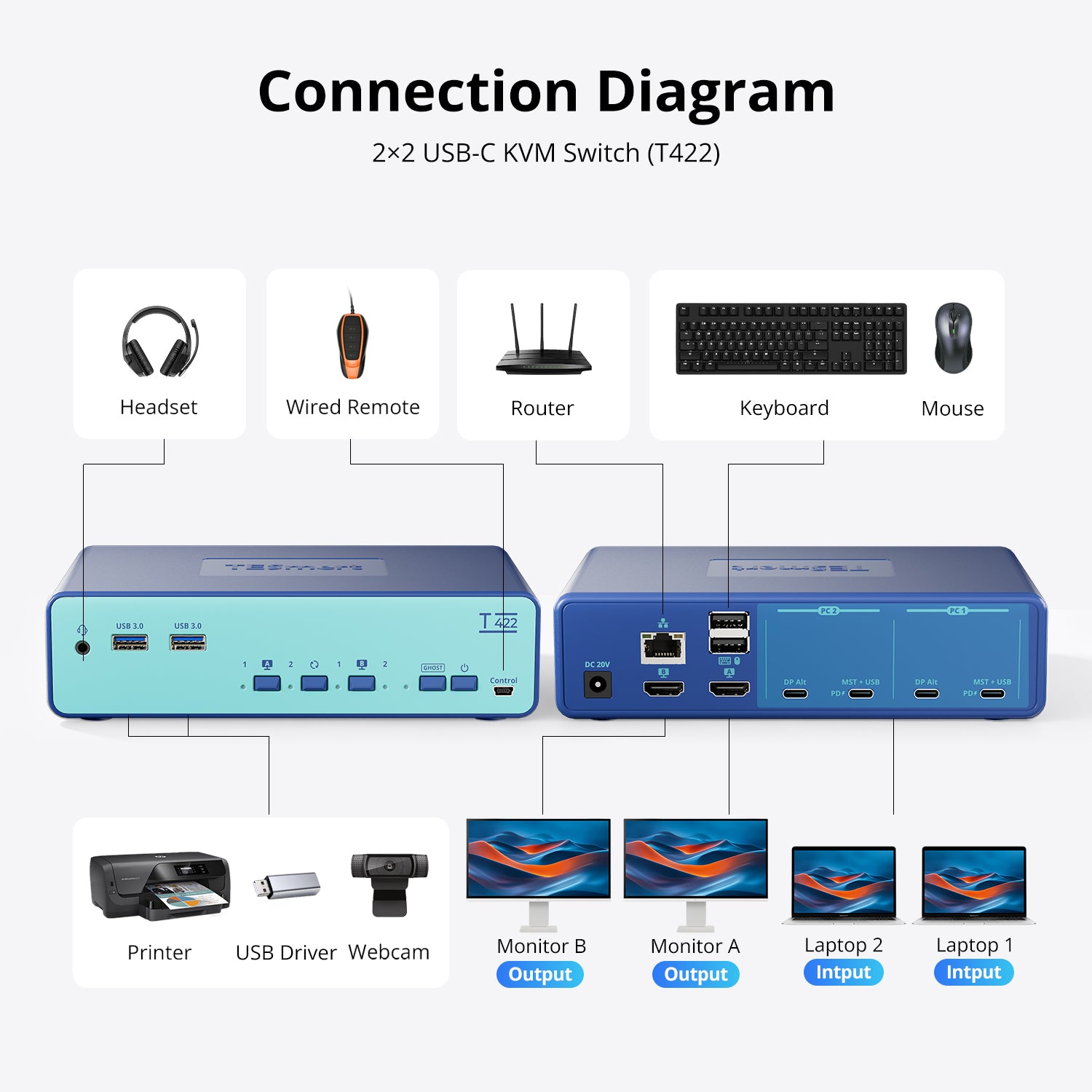
Control two USB-C laptops across two HDMI monitors while sharing your keyboard, mouse, USB peripherals, audio, and an Ethernet connection with up to 65W PD charging per laptop.
• Built for Two USB-C Laptops: Connect two USB-C laptops to one dual-monitor workstation with the same USB-C input configuration for both computers.
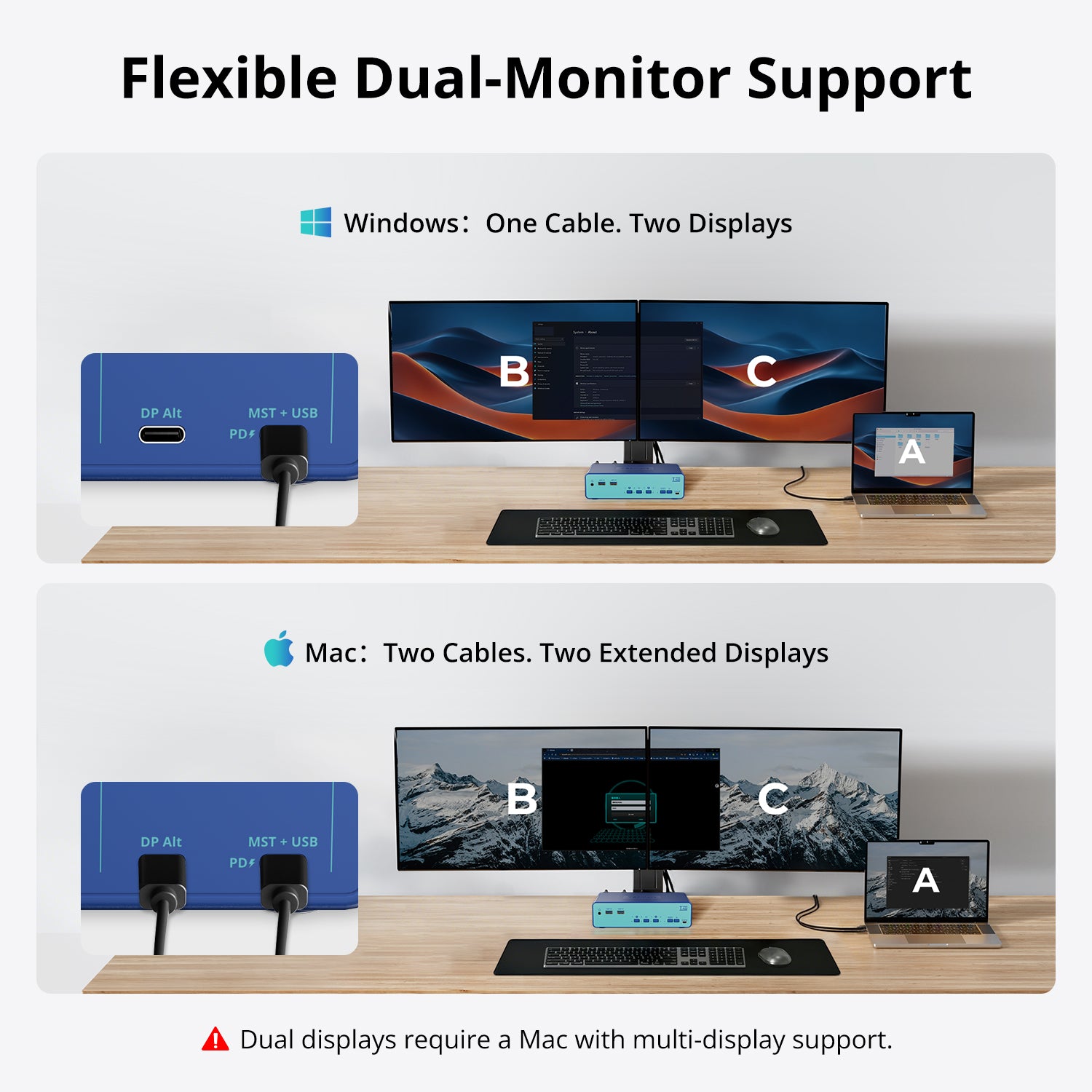
• One-Cable Dual Display with MST: Compatible Windows laptops can drive two displays, USB data, and shared peripherals through one USB-C connection. macOS uses SST mode and requires two USB-C connections for dual-display output.
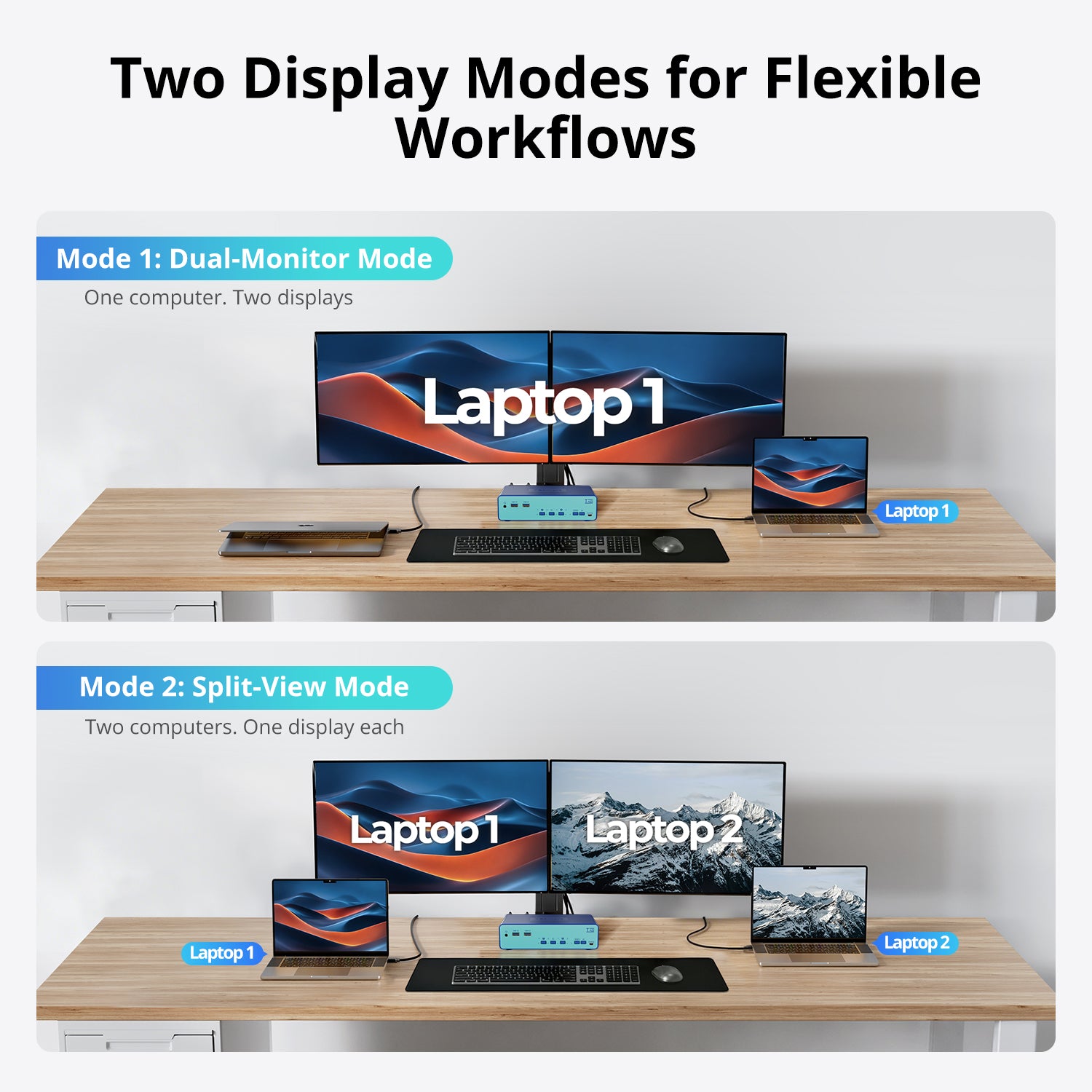
• Dual & Mixed Display Modes: Use both monitors with one laptop, or display each laptop on a different monitor with independent display switching.
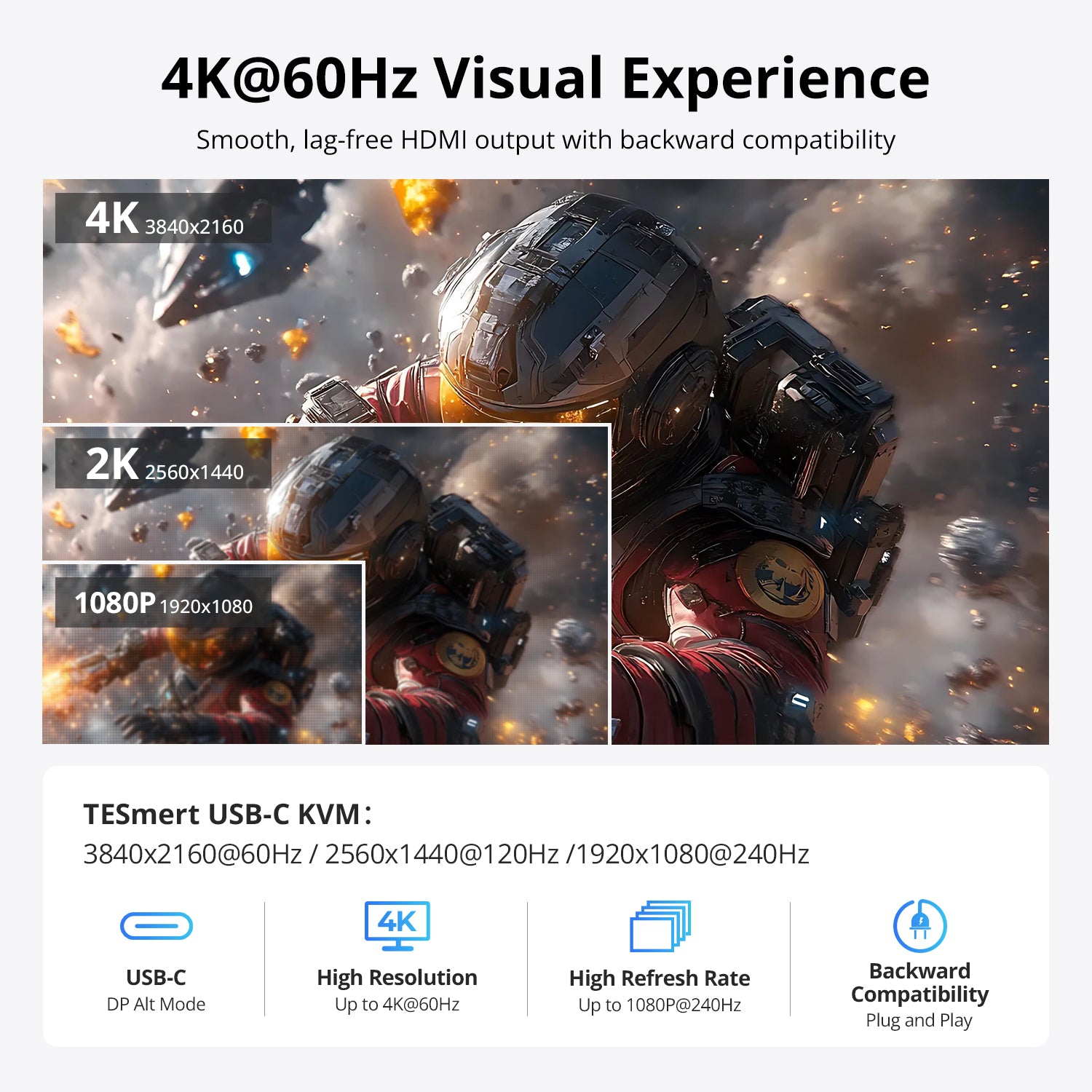
• Up to 4K@60Hz: Supports up to 3840 × 2160 @ 60Hz across dual HDMI displays for sharp, smooth visuals.
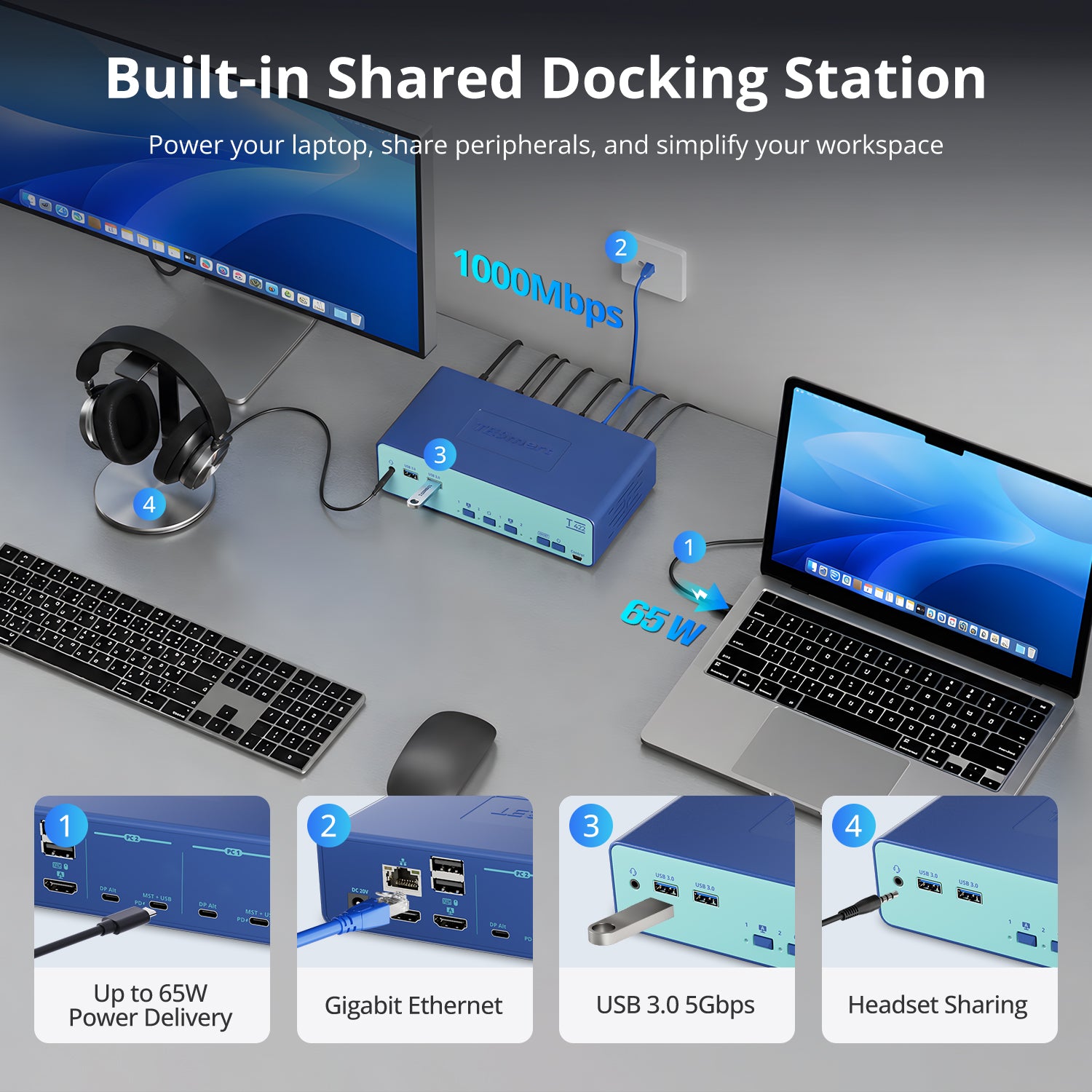
• 65W PD + Shared Docking: Charge each connected USB-C laptop at up to 65W while sharing USB 3.2 Gen 1 peripherals, 3.5 mm audio, and Gigabit Ethernet.
• Ghost Display Function: Helps maintain display detection and reduce window rearrangement when switching between computers.
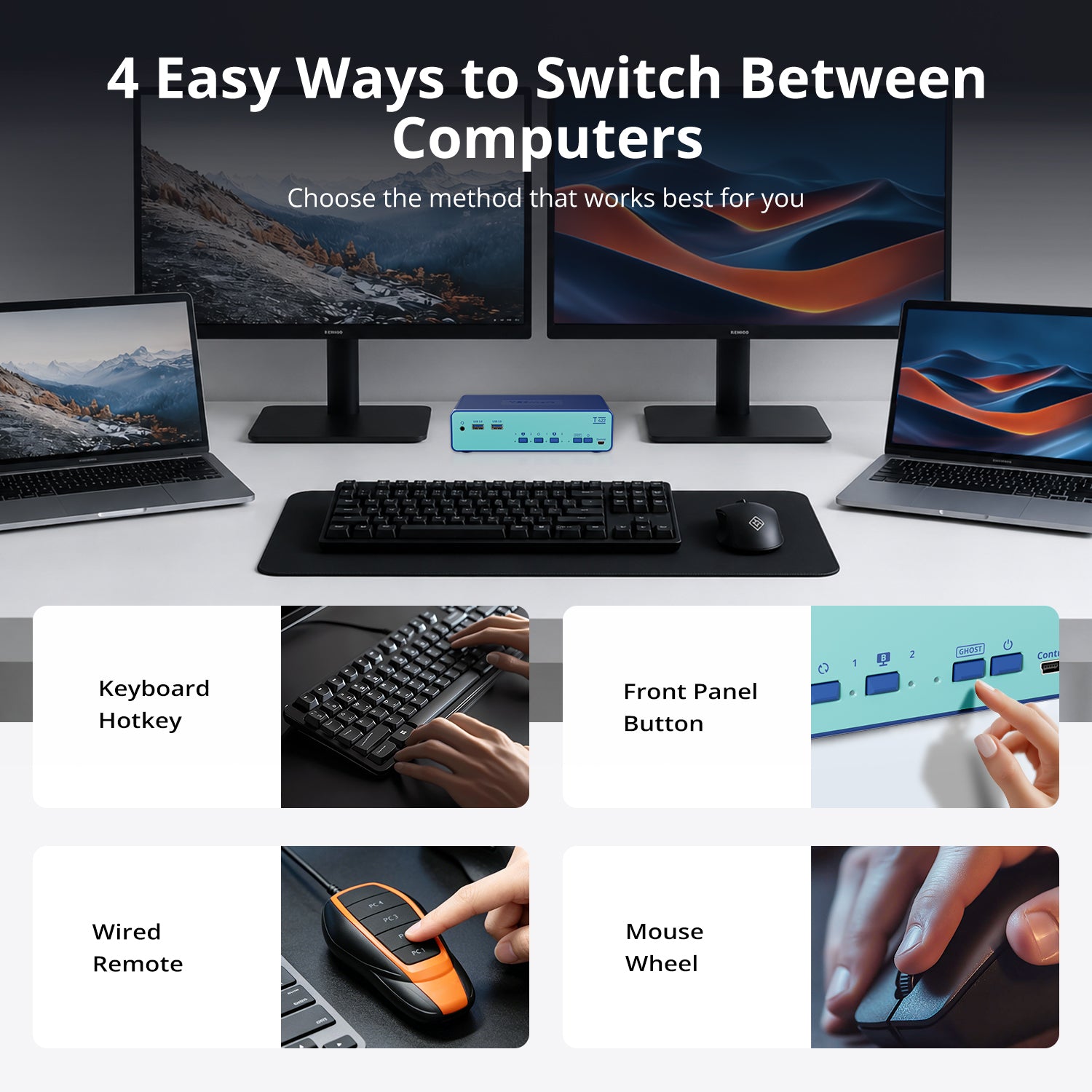
• Flexible Switching: Switch using front-panel buttons, keyboard hotkeys, mouse-wheel control, or a separately sold wired controller via the Control port. Wired controller availability may vary. The hotkey trigger key can be customized.
Pairs well with
Free US Shipping! Ships within 3-7 business days.
30-Day Hassle-Free Returns & Purchase Guarantee
1-Year Warranty
Secure Payment
Dual Monitor KVM Switch & Docking Station for 2 USB-C Laptops
If you have any questions, you are always welcome to contact us. We'll get back to you as soon as possible, within 24 hours on weekdays.
-
Free US Shipping · Fast Delivery
Delivery typically arrives in 5–7 business days.
Details are available in our Shipping Policy. -
30-Day Returns · Quality Guaranteed
Returns are accepted within 30 days for peace of mind.
See our Returns & Warranty Policy for details. -
Secure & Trusted Payments
All transactions are protected with industry-standard security.
-
Customer Support
Questions about your order? Feel free to Contact Us.
Overview
Designed for modern dual-laptop workspaces, this USB-C dual-monitor KVM docking station lets two laptops share two HDMI monitors, one keyboard, one mouse, USB peripherals, audio devices, network access, and charging—all from a single workstation. Perfect for home offices, hybrid work setups, and users who frequently switch between personal and work laptops.
- Built-In Shared Docking Station
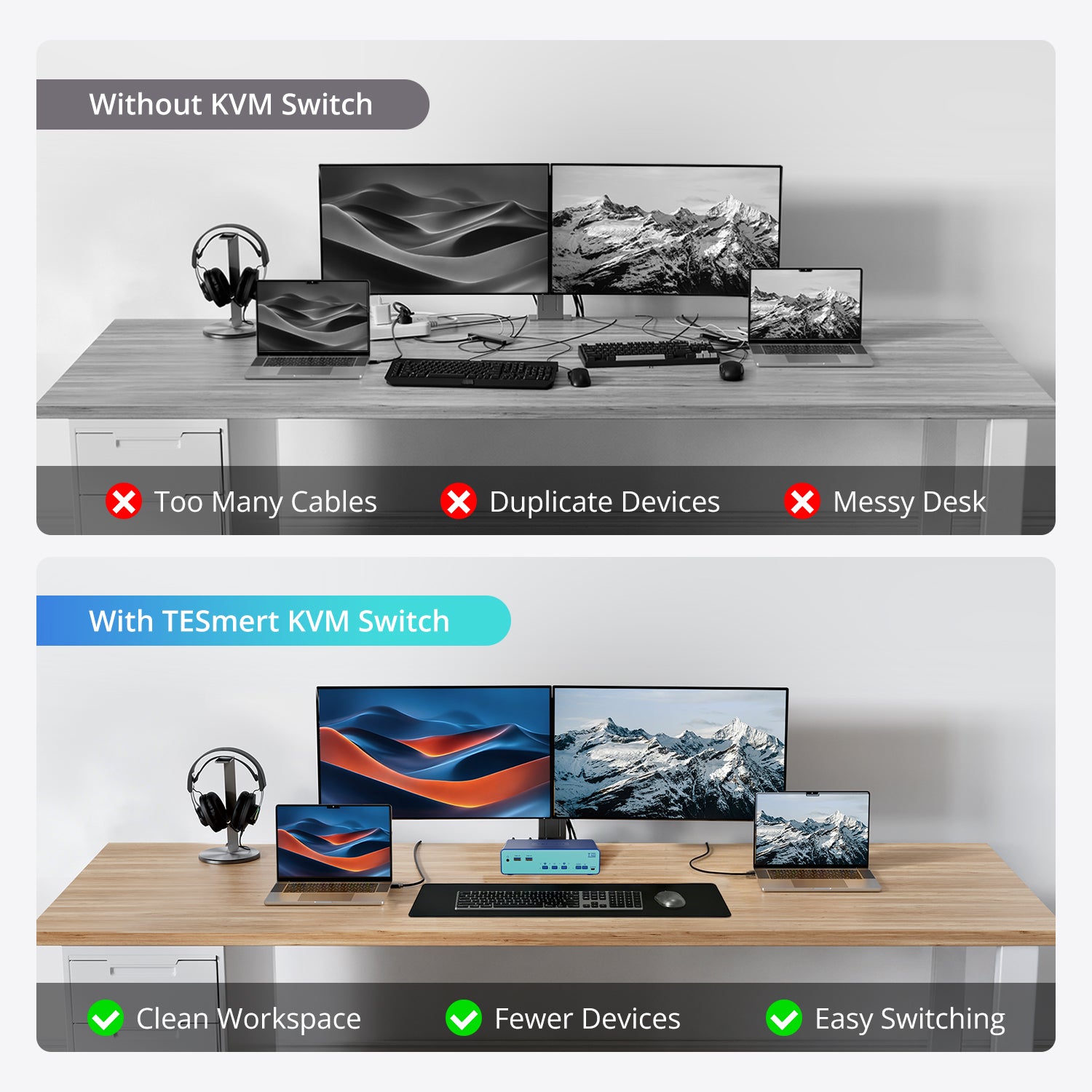
Reduce cable clutter and simplify your desk setup. T422 combines KVM switching and docking in one device, sharing USB peripherals, headset audio, Gigabit Ethernet, and up to 65W charging. - Two Display Modes
Choose the display mode that fits your workflow. Use Dual-Monitor Mode to work across two screens from one laptop, or Split-View Mode to keep your laptop and desktop visible at the same time. - MST Support for Simplified Connectivity
Compatible Windows laptops can output to two displays through a single USB-C connection using MST technology. For macOS, dual displays can be achieved using two USB-C connections per laptop. Note: MacBooks with base M1, M2, or M3 chips support only one extended display natively and cannot achieve dual extended displays through the KVM. - Up to 4K@60Hz Resolution
Whether you're working with spreadsheets, multitasking between applications, attending meetings, or managing daily tasks, T422 delivers a reliable viewing experience at resolutions up to 4K@60Hz. - Flexible USB & Audio Switching
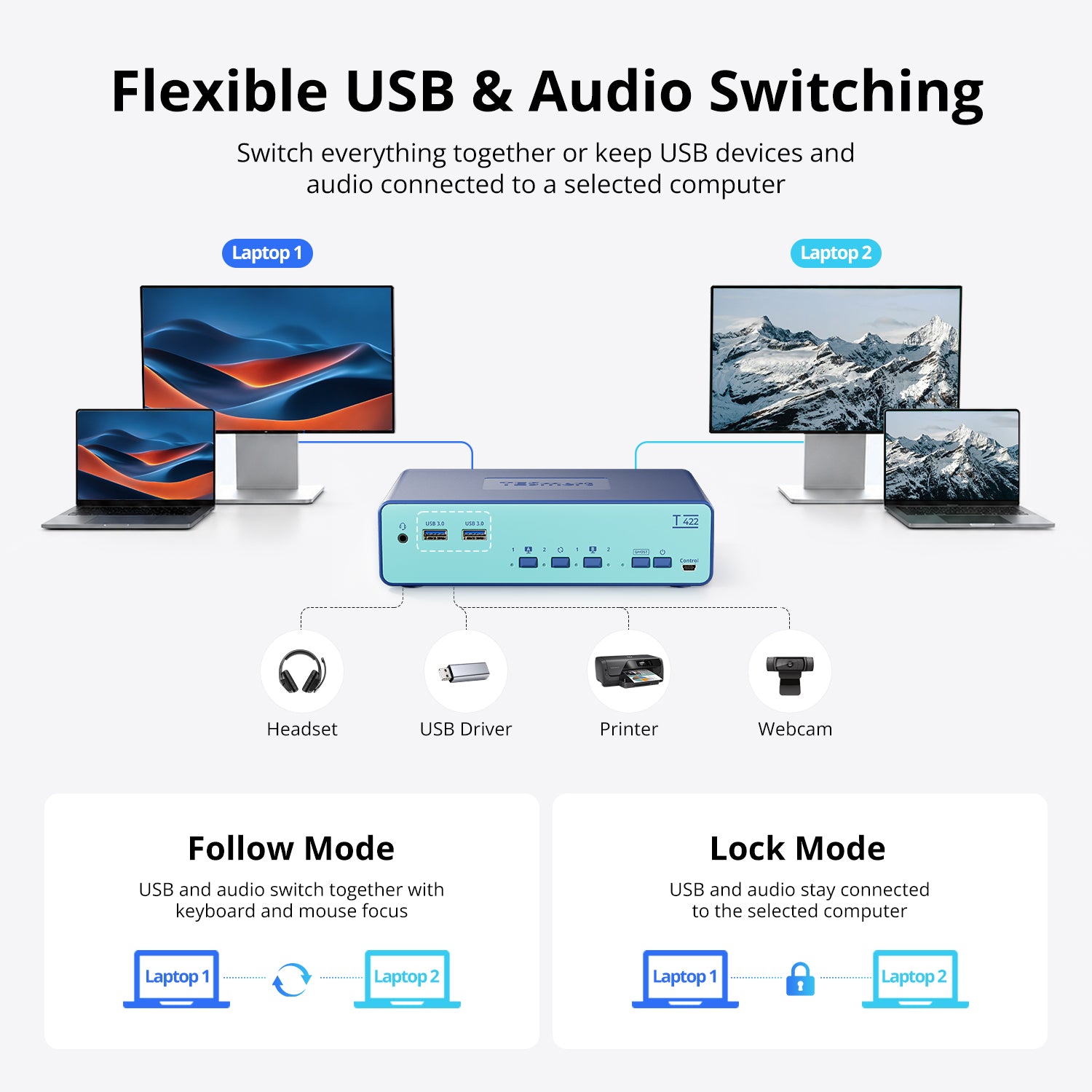
Choose how shared devices behave. Follow Mode switches USB and audio together with your active laptop, while Lock Mode keeps selected devices connected to a specific system. - Stable Display Settings
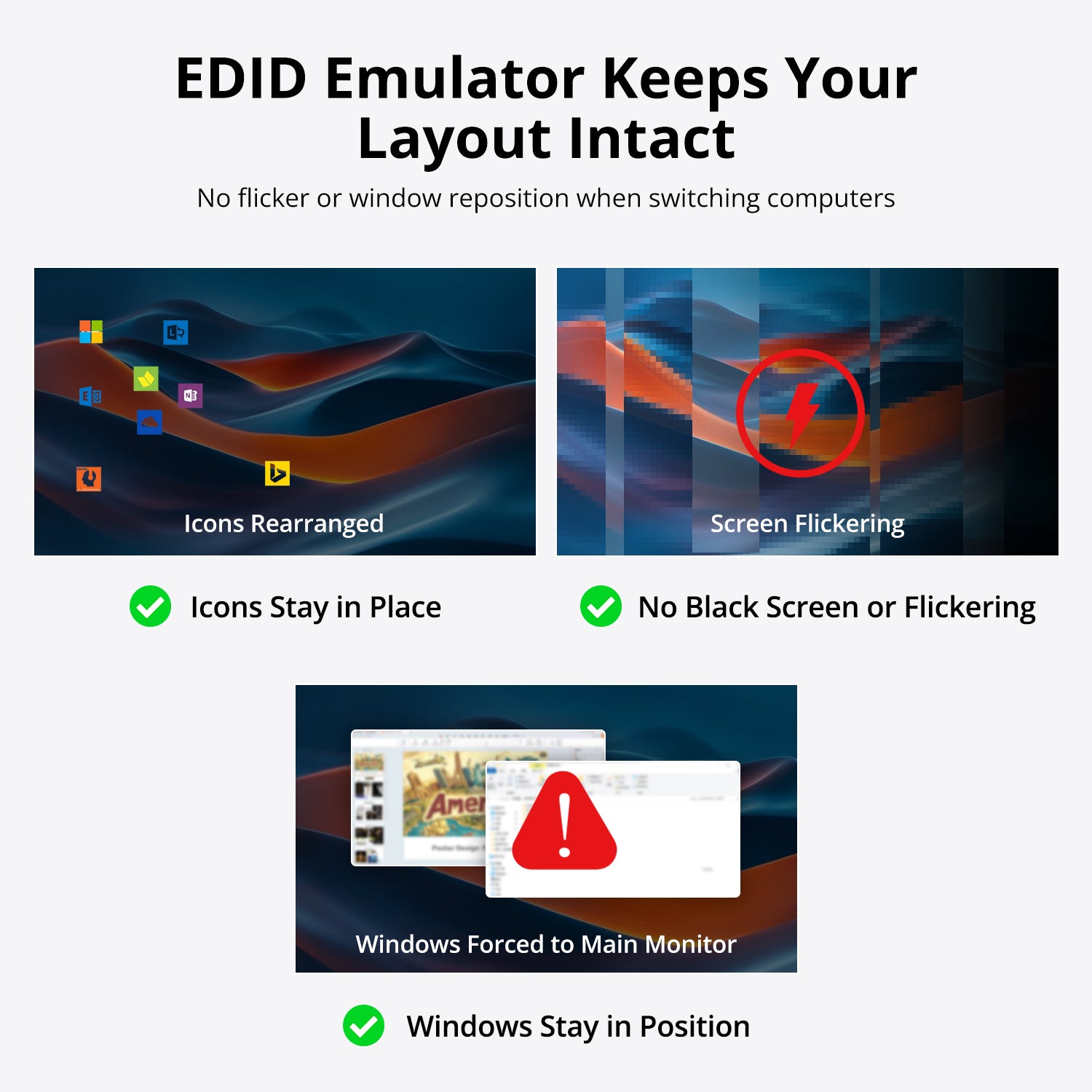
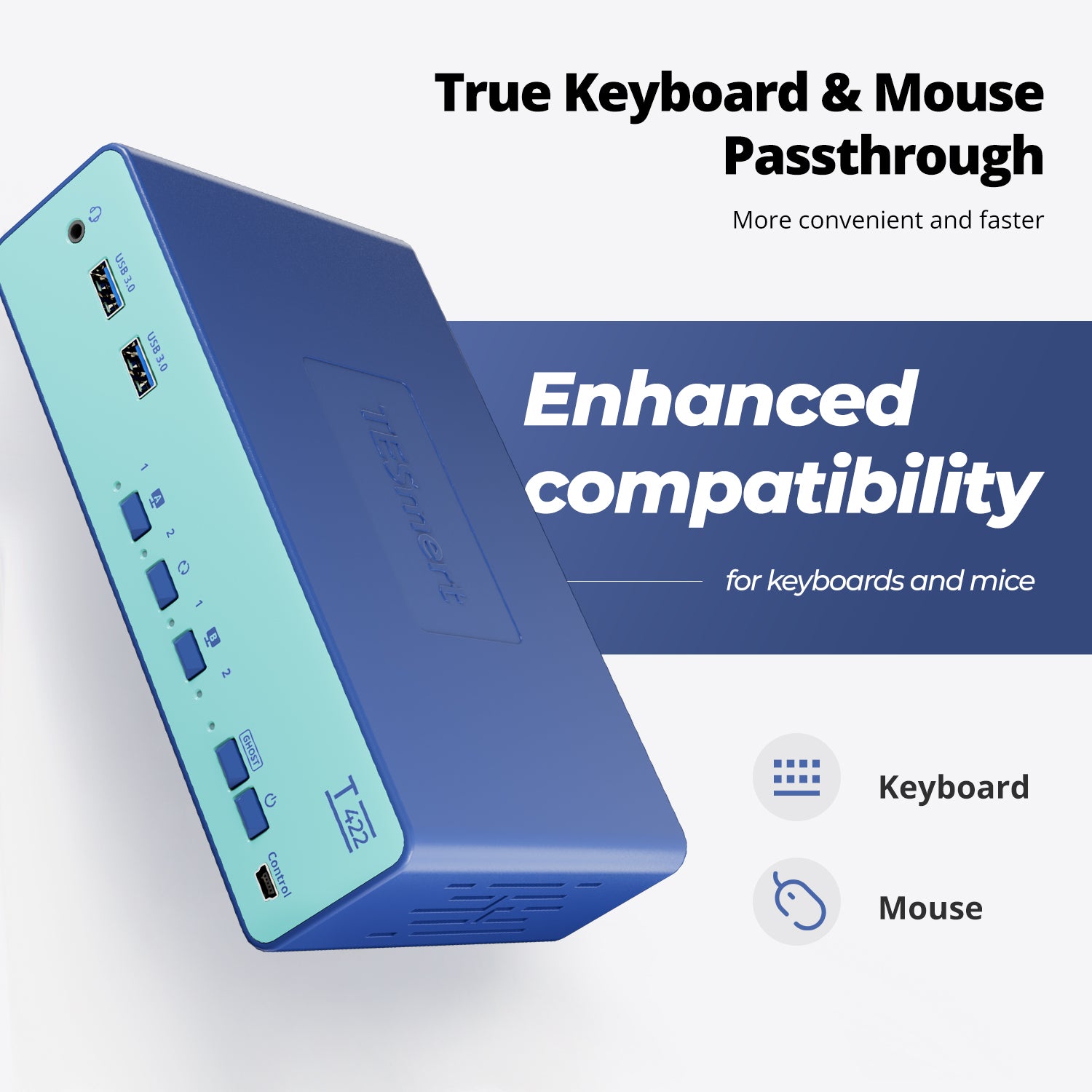
Built-in EDID Emulation helps prevent screen flickering, resolution changes, and window rearrangement when switching between laptops. - Enhanced Keyboard & Mouse Compatibility
Keyboard and mouse pass-through technology supports a wide range of wired and wireless input devices for a smoother switching experience.
Technical Details
Specifications
Features
- MST Dual-Display via USB-C
- Ghost Display (EDID Emulation)
- Keyboard & Mouse Transparent and Emulation Modes
- Up to 65 W USB-C PD per Laptop
- USB & Audio Follow / Lock Modes
- Gigabit Ethernet (1000 Mbps)
- Customizable Hotkeys
Display Support
- 3840 × 2160 @ 60 Hz
- 2560 × 1440 @ 120 Hz
- 1920 × 1080 @ 240 Hz
Connections
• PC Inputs
- 2 × USB-C (MST + USB + PD)
- 2 × USB-C (DP Alt Mode)
System Compatibility
- Windows
- macOS
- Linux (Ubuntu, Debian, Fedora, etc.)
- Raspberry Pi OS
- Other Linux-based Systems
• Display Outputs
- 2 × HDMI
• Shared Ports
- 2 × USB 3.2 Gen 1 (5 Gbps)
- 2 × Keyboard/Mouse USB
- 1 × 3.5 mm Audio/Mic
- 1 × Gigabit Ethernet (1000 Mbps)
• Control
- 1 × Wired Remote Port (Sold Separately)
Power
- DC 20 V / 7.5 A
Included in the Box
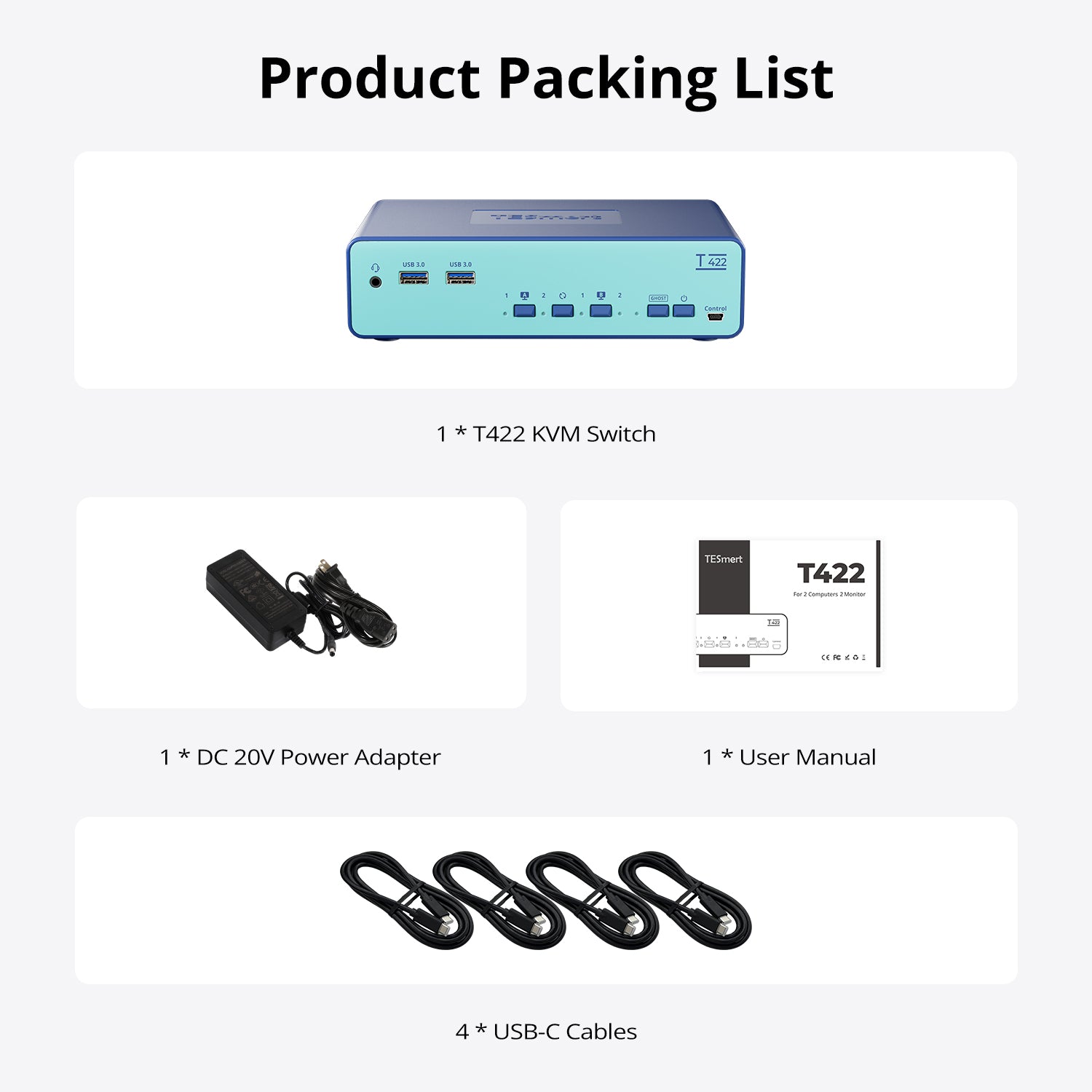
1 * T422 KVM Switch

4 * USB-C Cables
1 * DC 20V Power Adapter

1 * User Manual


Product comparison
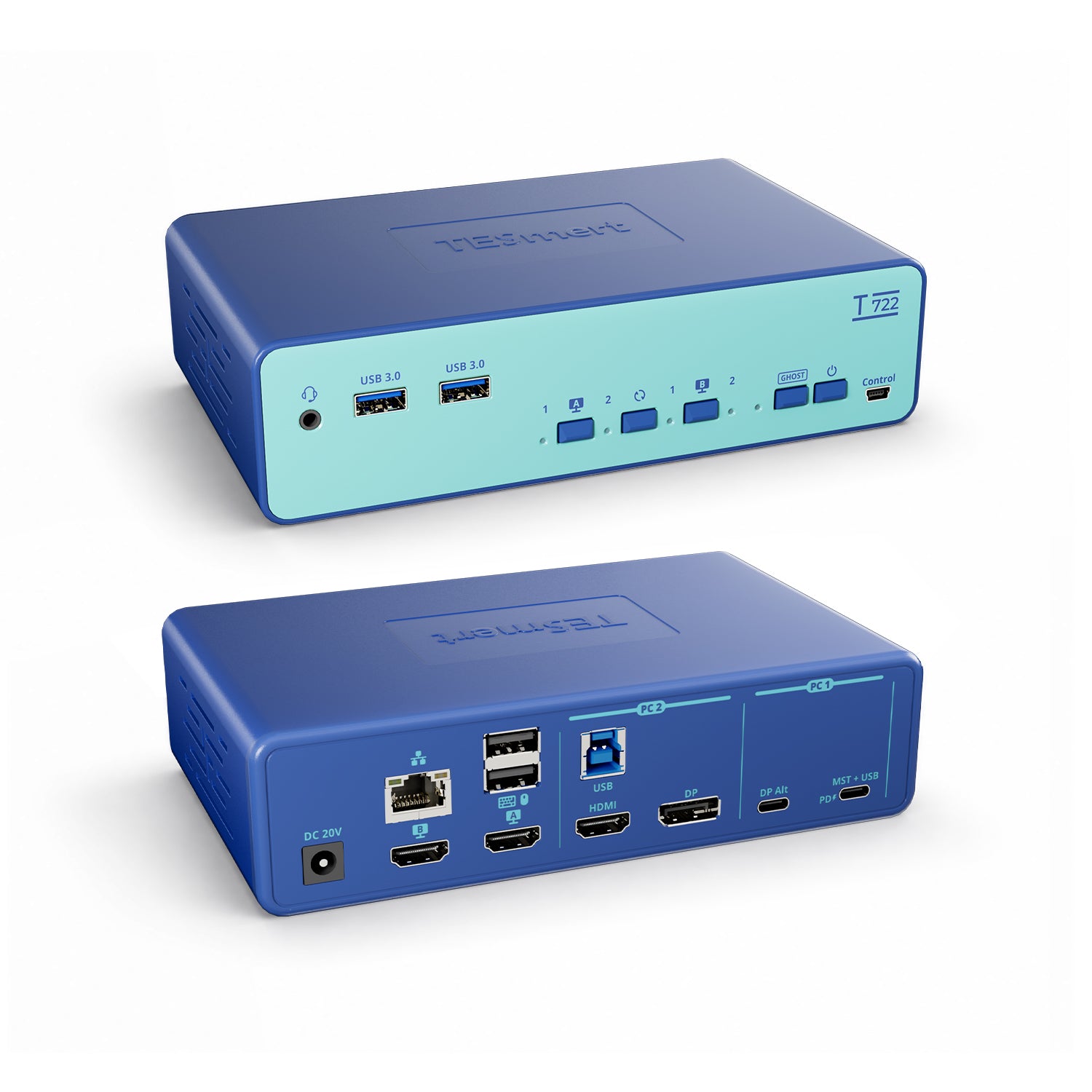
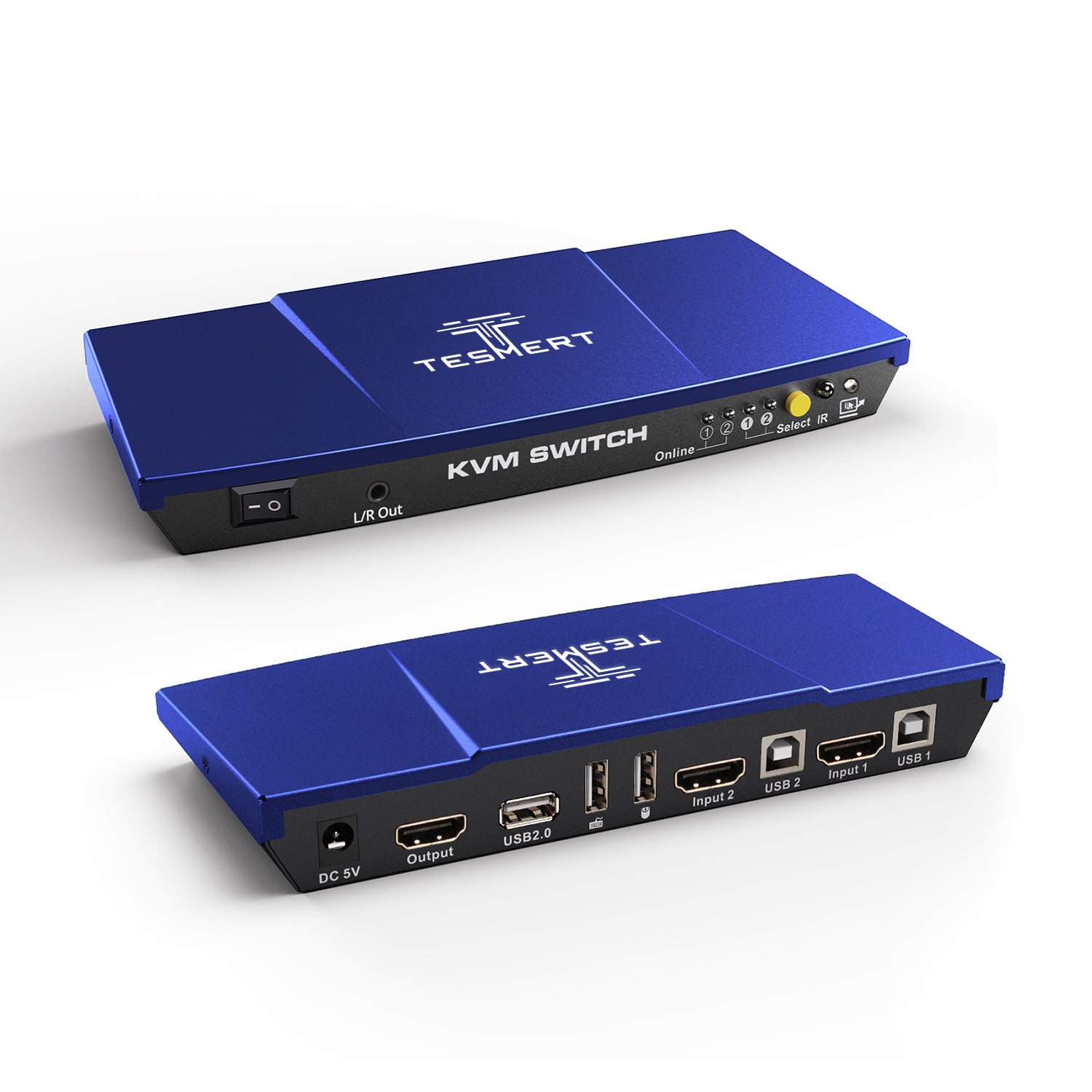
Amount of Computers
2
Amount of Computers
2
Amount of Computers
2
Amount of Monitors
2
Amount of Monitors
2
Amount of Monitors
1
Video Type
HDMI 2.0
Video Type
HDMI 2.0
Video Type
HDMI 2.0
Max Resolution
4K60Hz
Max Resolution
4K60Hz
Max Resolution
4K60Hz
EDID Emulation
YES
EDID Emulation
YES
EDID Emulation
YES
Special Features
- USB3.0 Sharing Port * 2
- 3.5mm Audio/Mic Combo Jack
- 1000Mbps Ethernet Port
- up to 65W USB-C charging
- Hot Plug
- Passthrough Mode
Special Features
- USB3.0 Sharing Port * 2
- 3.5mm Audio/Mic Combo Jack
- 1000Mbps Ethernet Port
- up to 100W USB-C charging
- Hot Plug
- Passthrough Mode
Special Features
USB-A 2.0 Sharing Port * 1
Hot Plug
Passthrough Mode
L/R Out
Will T422 work with my laptop and desktop setup?
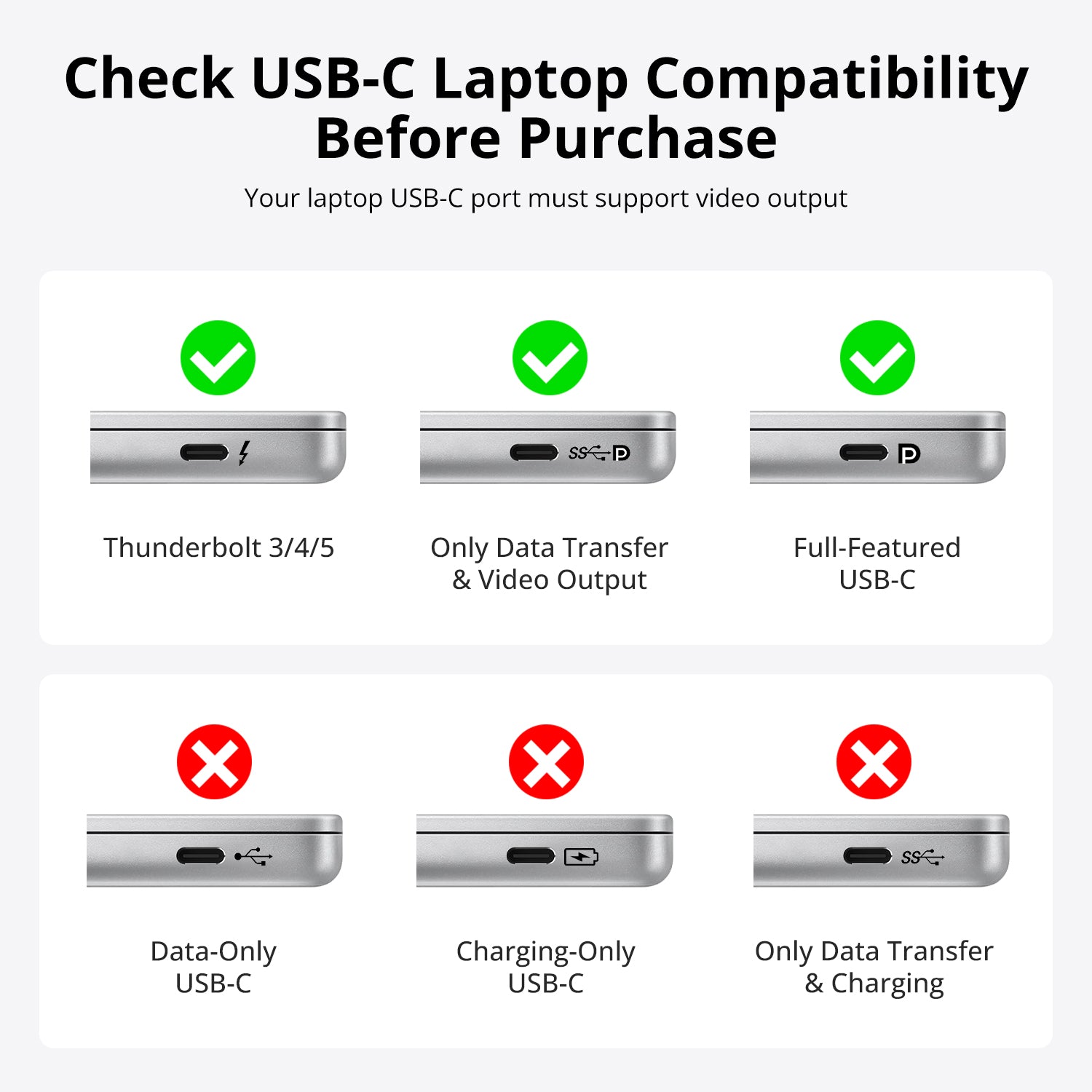
Yes. T422 is designed for two-computer dual-monitor setups. Each computer connects through a full-featured USB-C input that supports MST video output, USB data, and USB Power Delivery, allowing you to share two HDMI monitors, keyboard, mouse, USB devices, audio, and a Gigabit Ethernet connection between two computers.
Can I connect my laptop with only one USB-C cable?
Yes, when your laptop's USB-C port supports video output (DP Alt Mode/MST) and USB data, a single USB-C connection can carry display signals, USB data, and charging through T422. The USB-C input supports up to 65W Power Delivery charging.
Does T422 support dual monitors from one USB-C laptop?
Yes. T422 supports MST technology, allowing a compatible USB-C source to output to two displays through a single USB-C connection.
Note: macOS does not support MST. Dual-display operation on Mac depends on whether the Mac can provide independent display outputs.
Can I use two computers on two monitors at the same time?
Yes. T422 supports independent display switching and mixed-screen mode, allowing each monitor to display content from a different computer at the same time.
Example:
- Monitor A → Work laptop
- Monitor B → Personal PC
Will switching computers rearrange my windows or reset my display settings?
T422 includes a Ghost virtual display feature designed to reduce window rearrangement, resolution changes, and display re-detection when switching between computers.
If your windows move after switching, enable Ghost mode using the front Ghost button or the hotkey shortcut.
Can I share my keyboard, mouse, USB devices, and Ethernet connection?
Yes. T422 allows two computers to share:
- Keyboard and mouse
- USB 3.2 Gen Ports
- 3.5mm audio/microphone devices
- Gigabit Ethernet connection
The front USB ports support up to 5Gbps data transfer and 7.5W output power.
Does T422 support MacBook?
T422 can work with Mac computers, but dual-monitor behavior depends on the Mac model and its display output capability.
macOS does not support MST, so Mac users should confirm whether their device can provide independent display outputs for dual-monitor operation.